
1
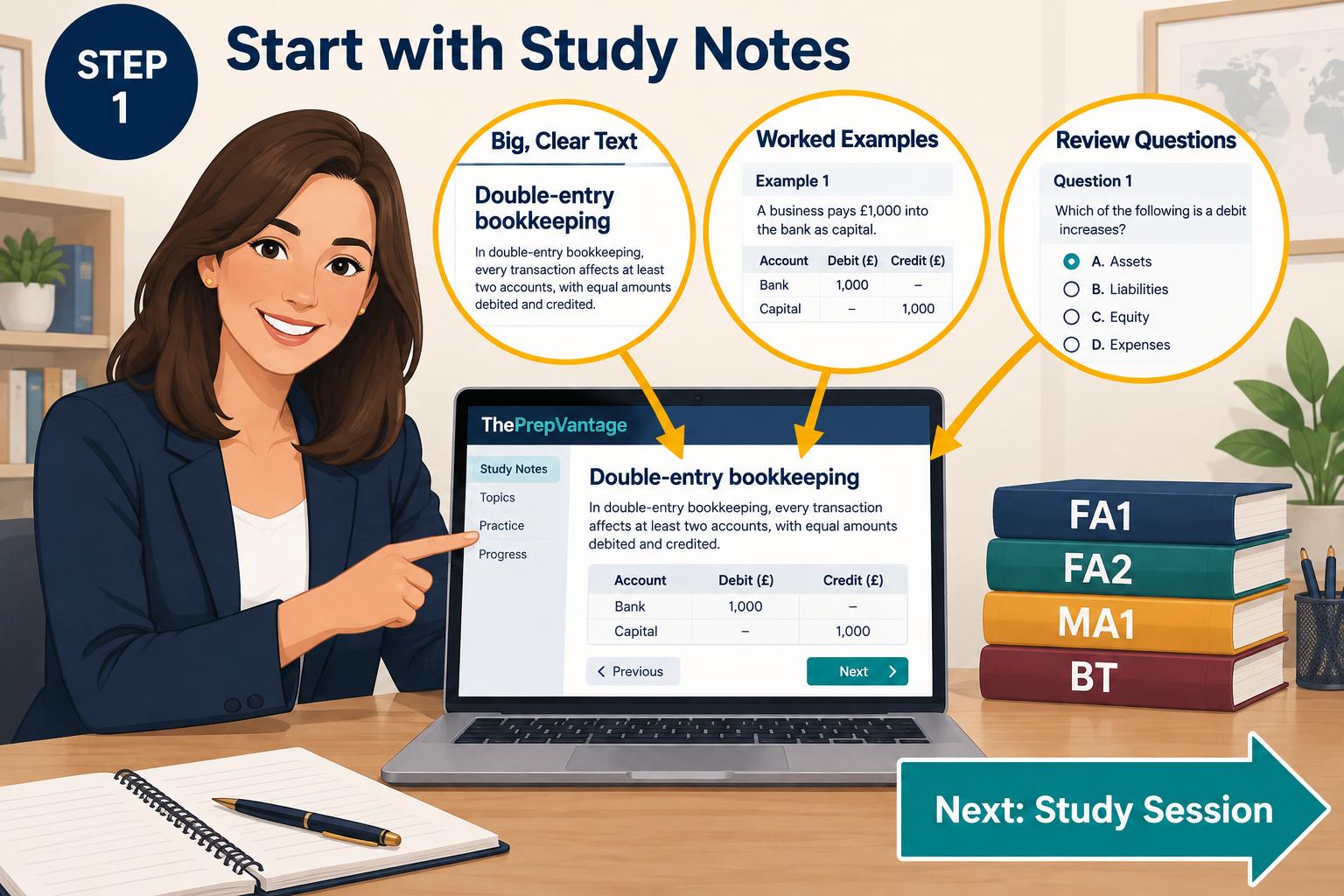
Start with Student Notes
Open Student Notes and read the chapter. The text is big and clear, with worked examples and review questions.
Step-by-step guide
Follow these 13 simple steps, plus two AI Tutor tips, from your first chapter to exam day. Scroll down and follow the arrows.
Open Student Notes and read the chapter. The text is big and clear, with worked examples and review questions.
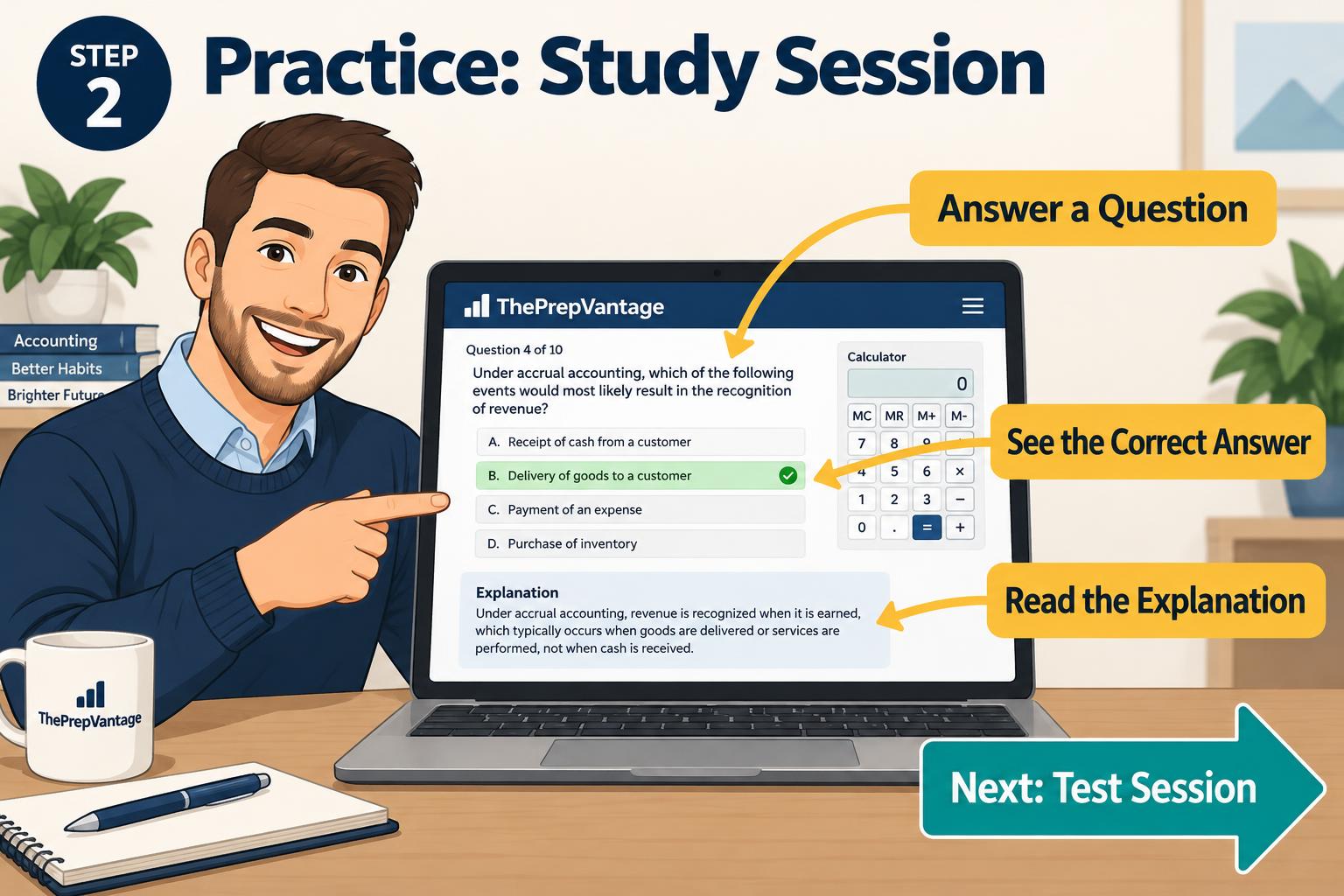
Answer questions one by one. You see the correct answer and a short explanation straight away.
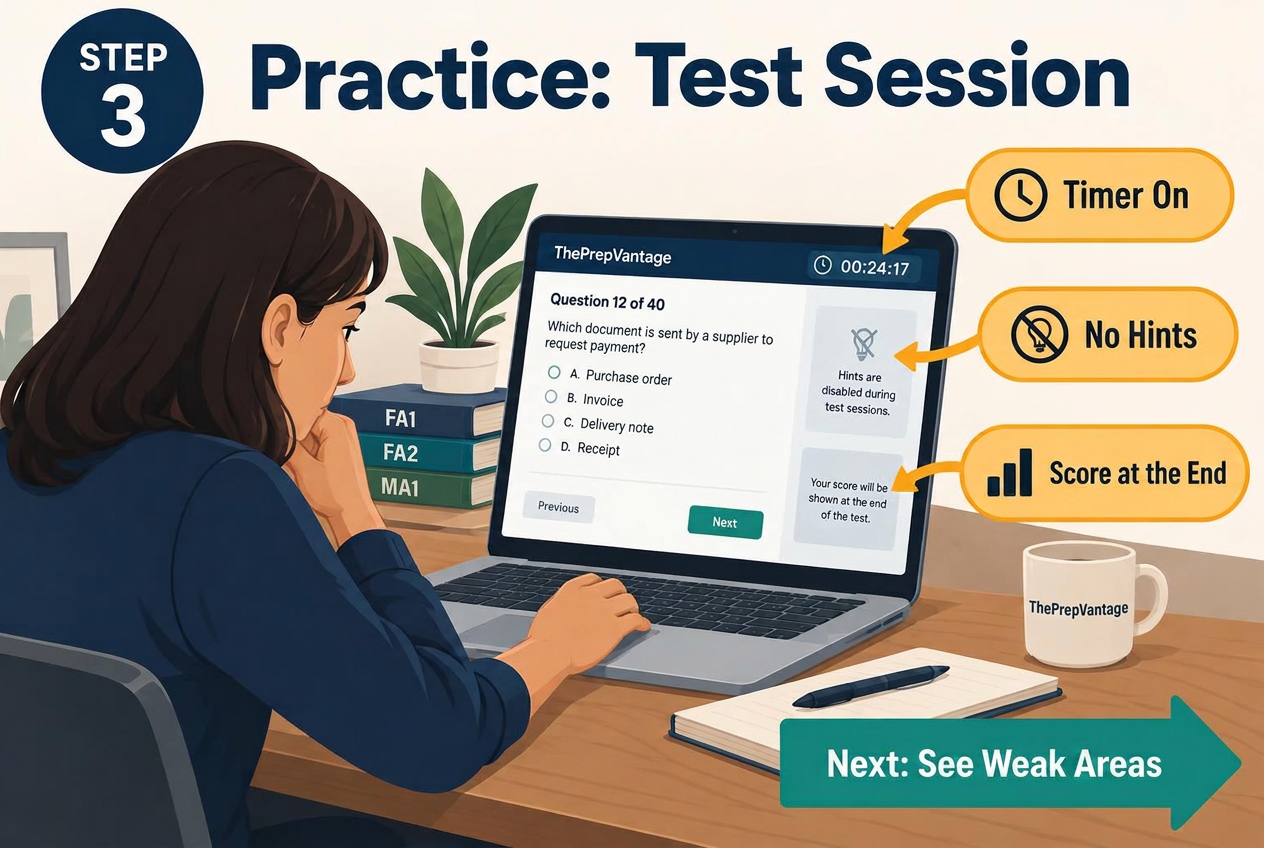
Now test yourself like an exam: timer on, no hints, and your score is shown at the end.

Your results show which topics are strong and which need more work.
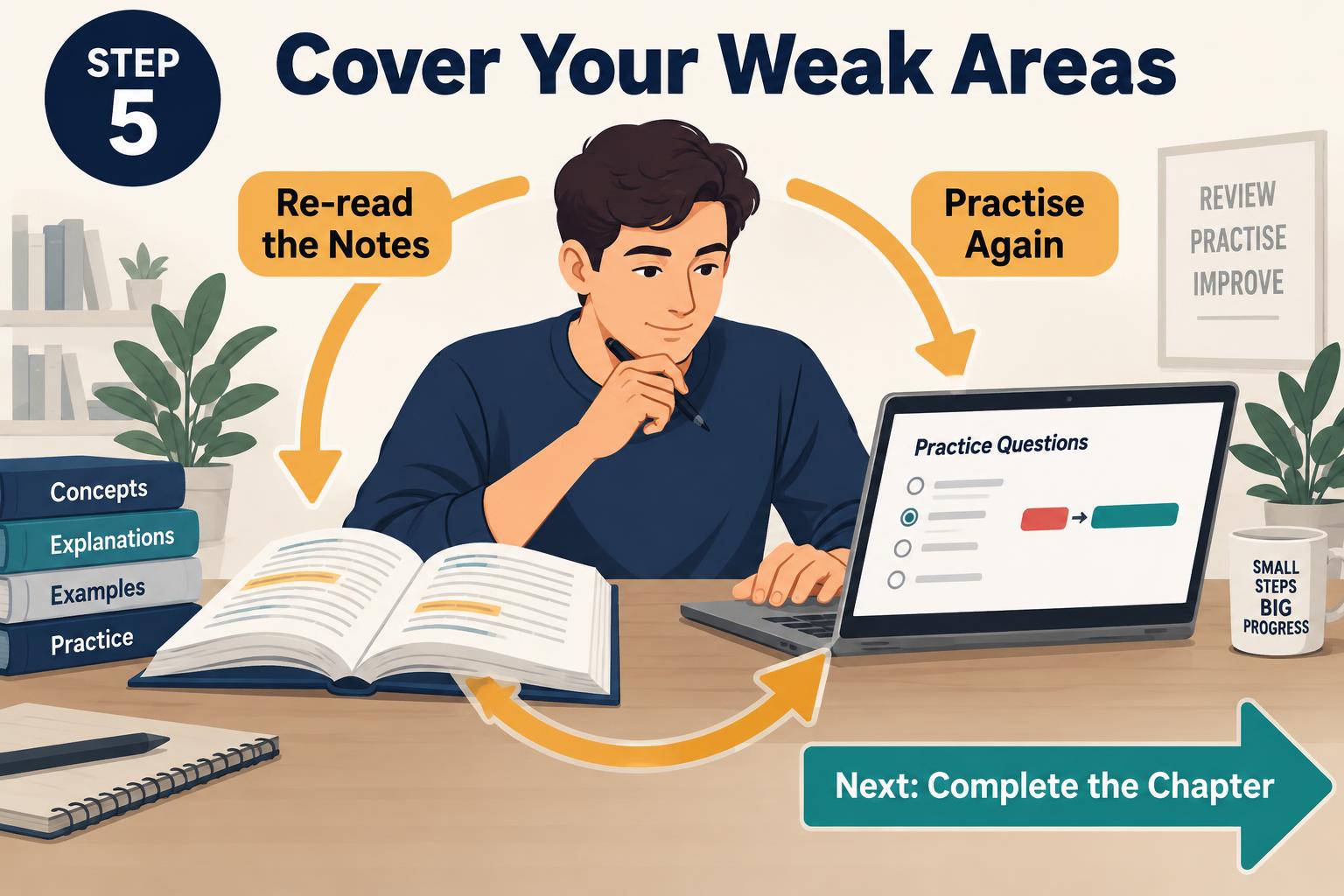
Go back to the notes for those topics, then practise them again.
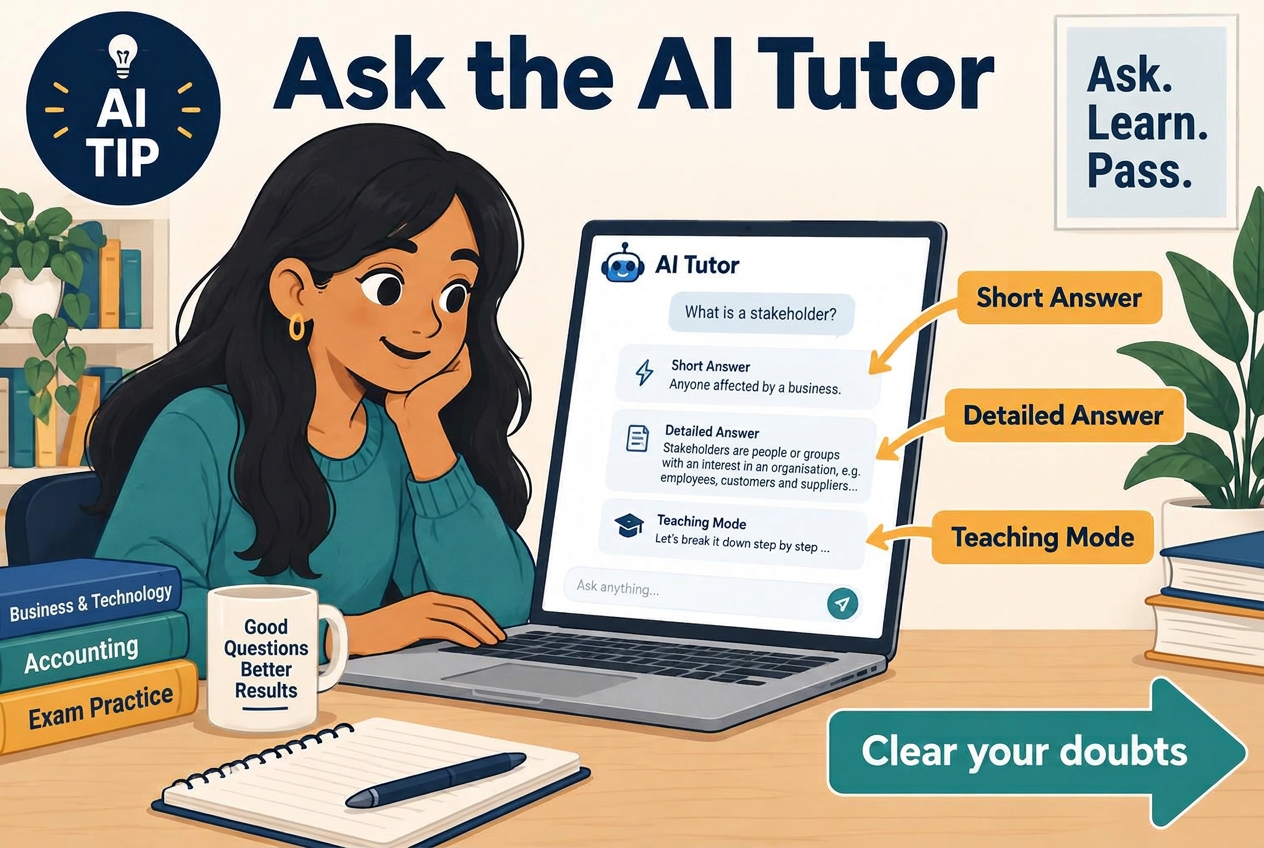
Still unsure about a weak area? Ask the AI Tutor. Choose Short Answer for a quick reply, Detailed Answer for a full explanation with examples, or Teaching Mode to learn the topic step by step. You can also ask why your answer was wrong.
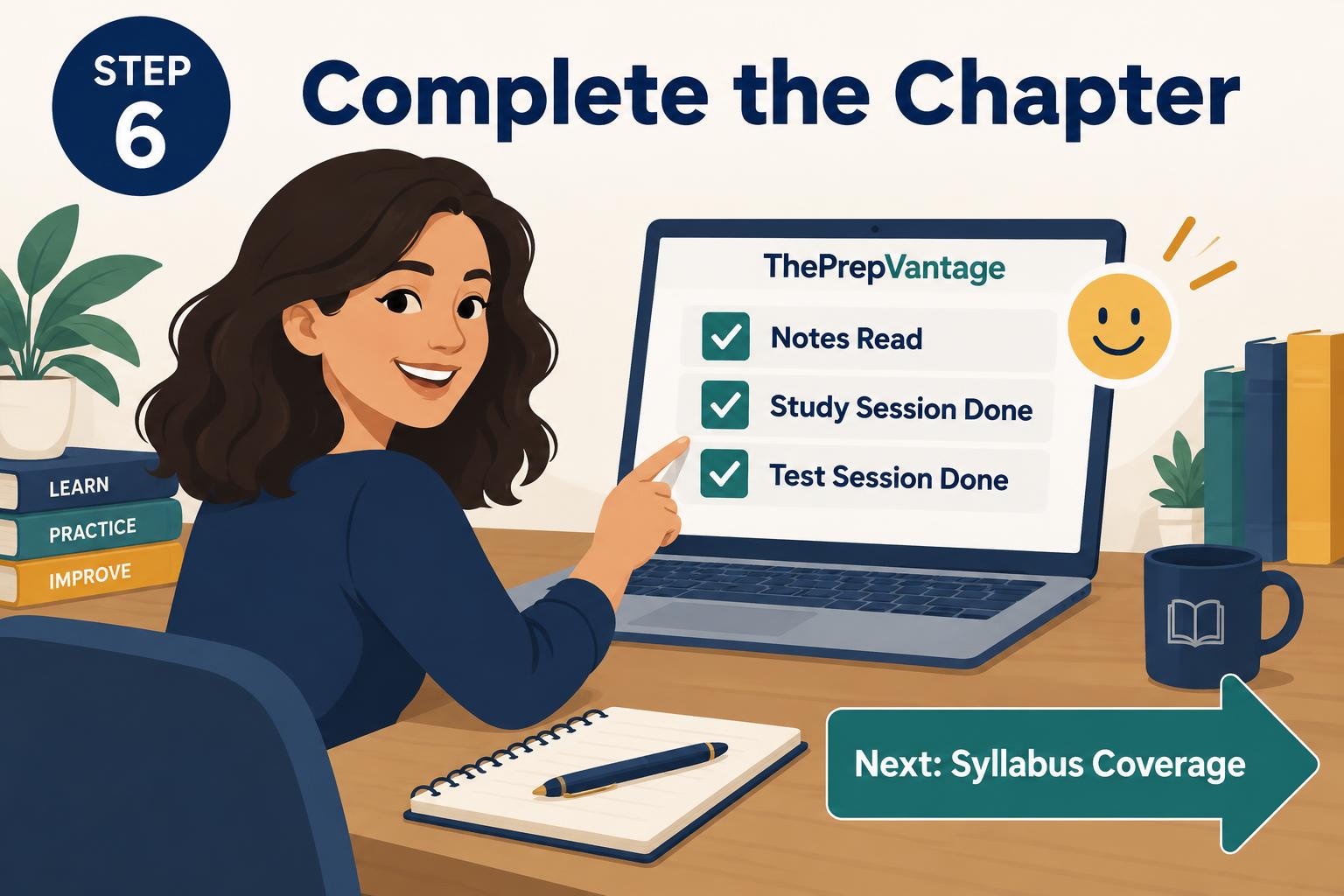
Notes read, study session done, test session done — the chapter is complete.
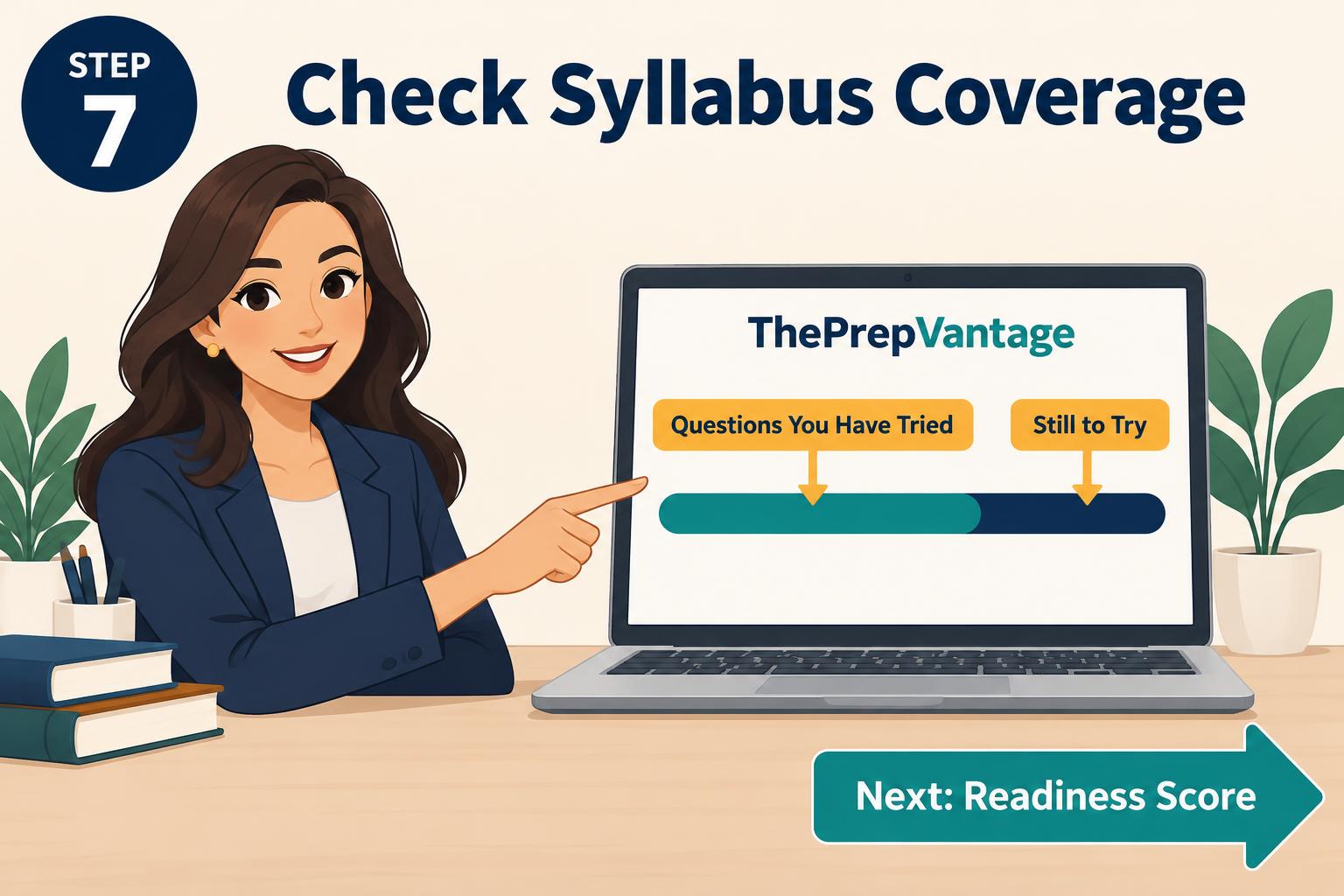
The bar shows how much of the chapter's questions you have tried, and how much is still to try.
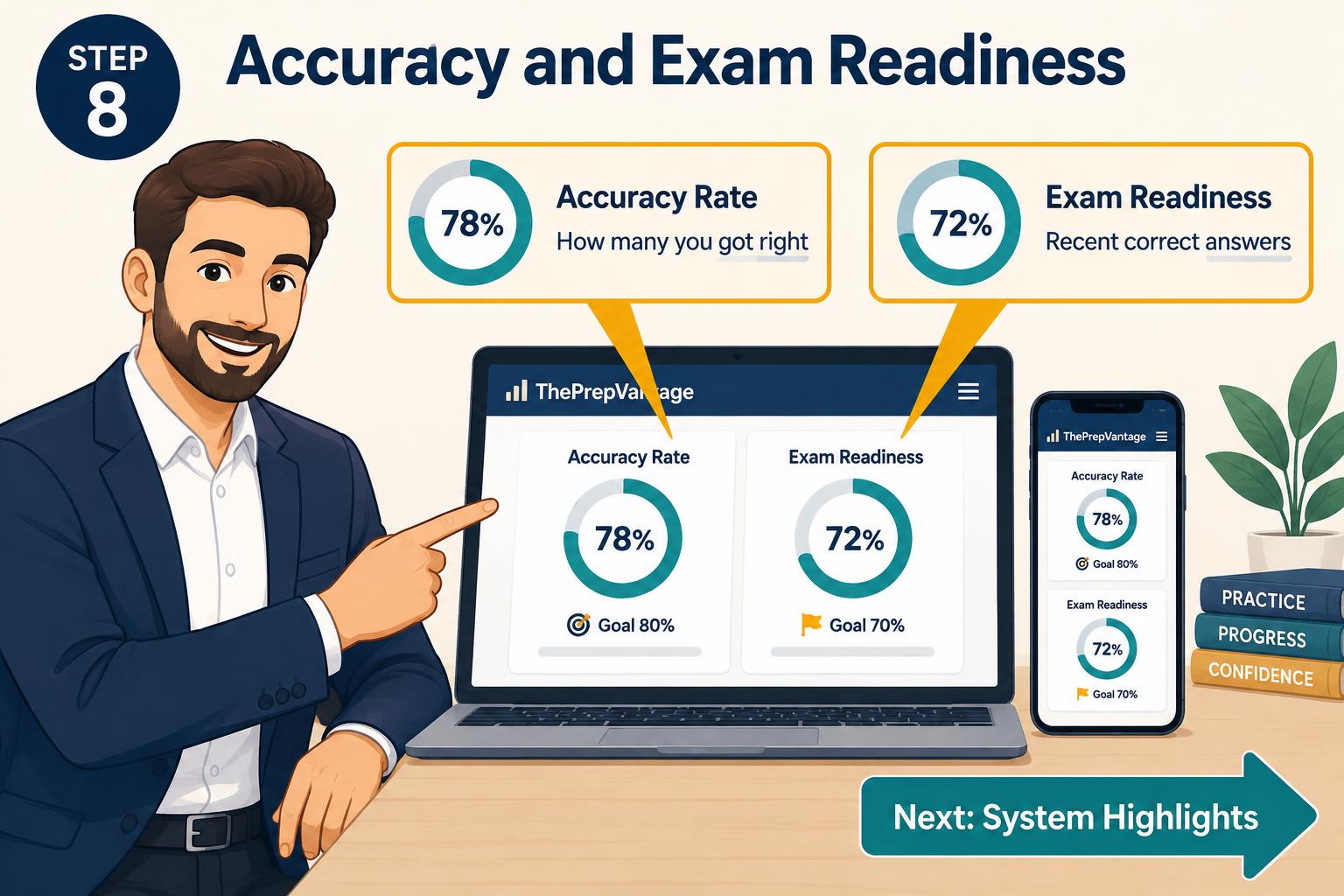
Accuracy shows how many you got right. Exam readiness is based on your recent correct answers.
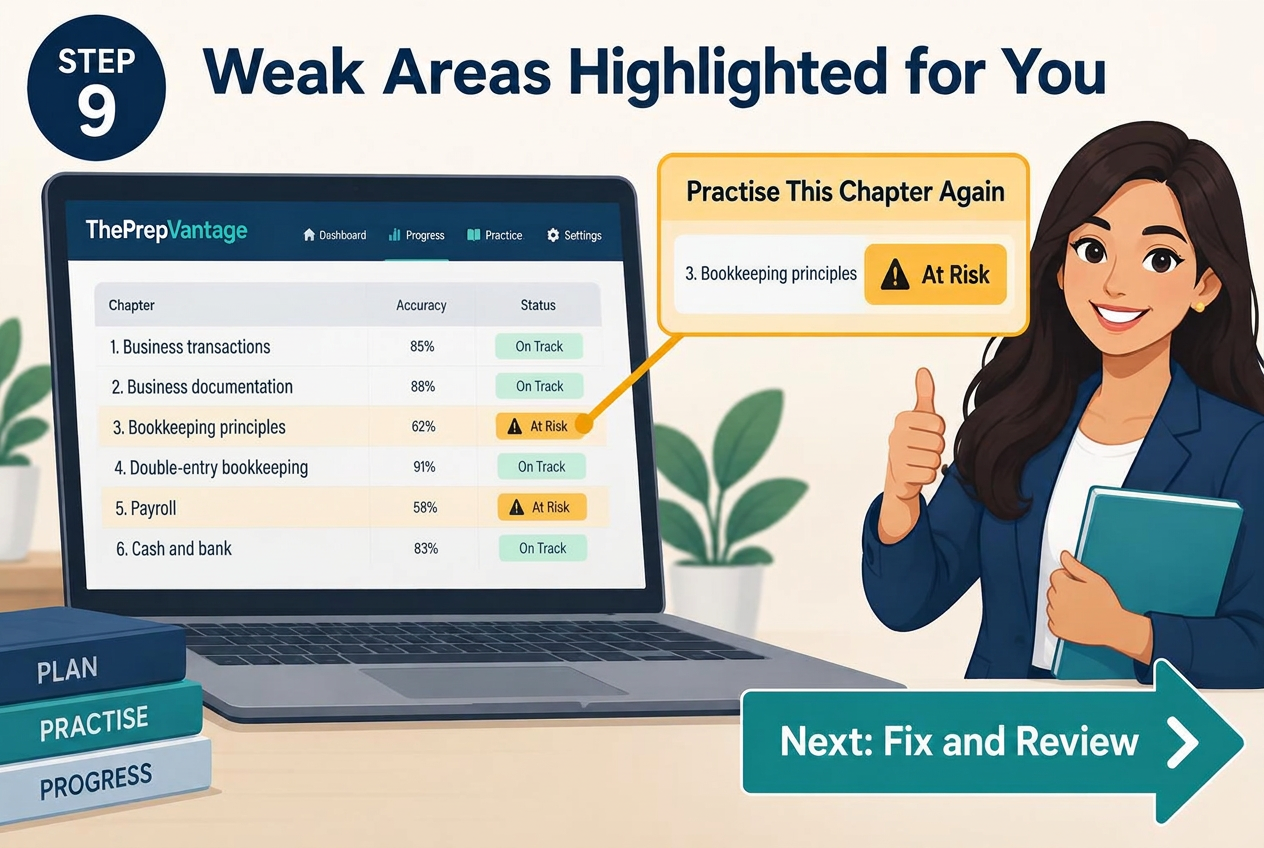
The system marks chapters that are at risk, so you know exactly what to practise next.
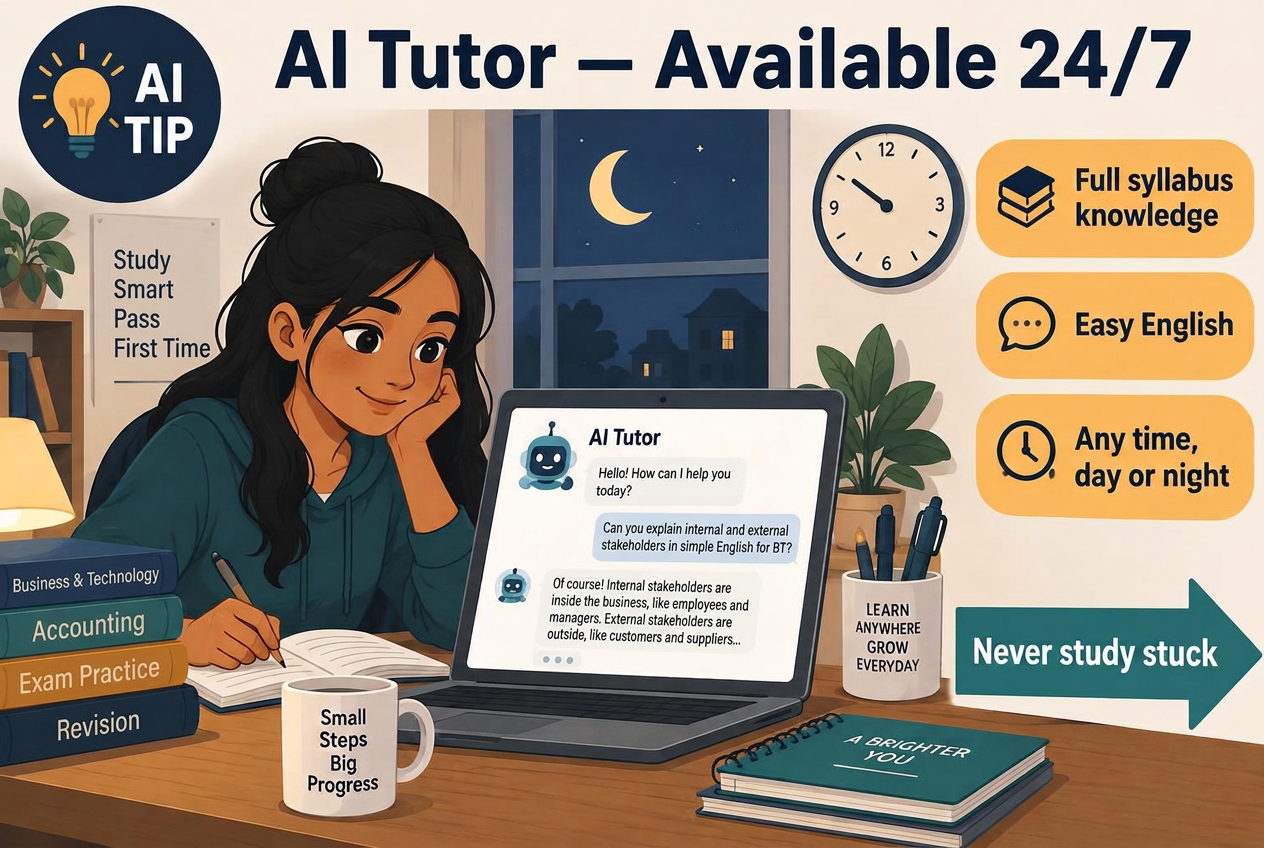
Day or night, the AI Tutor is ready to help. It knows the full syllabus for your subject and explains everything in easy English, so you are never stuck while studying.
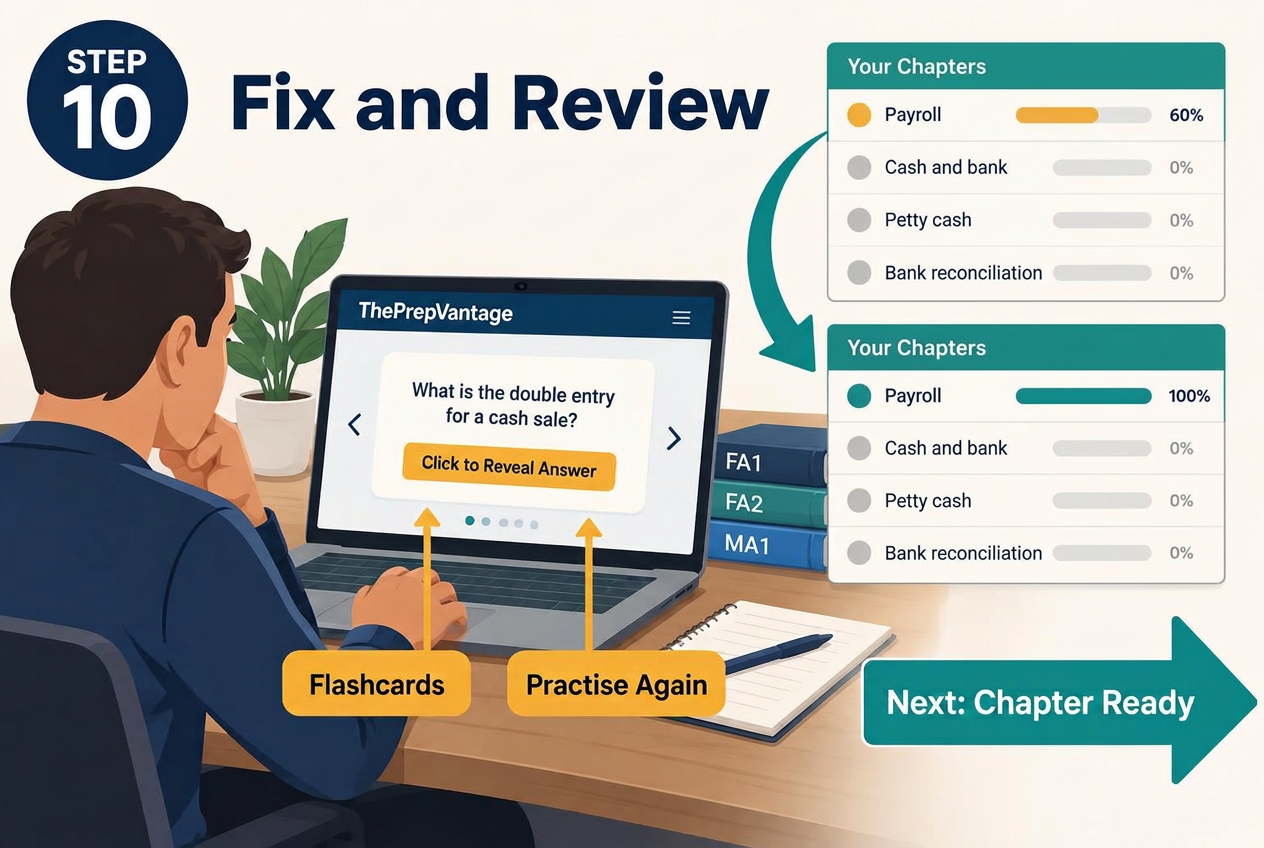
Use flashcards and practise again until the highlighted chapter turns strong.
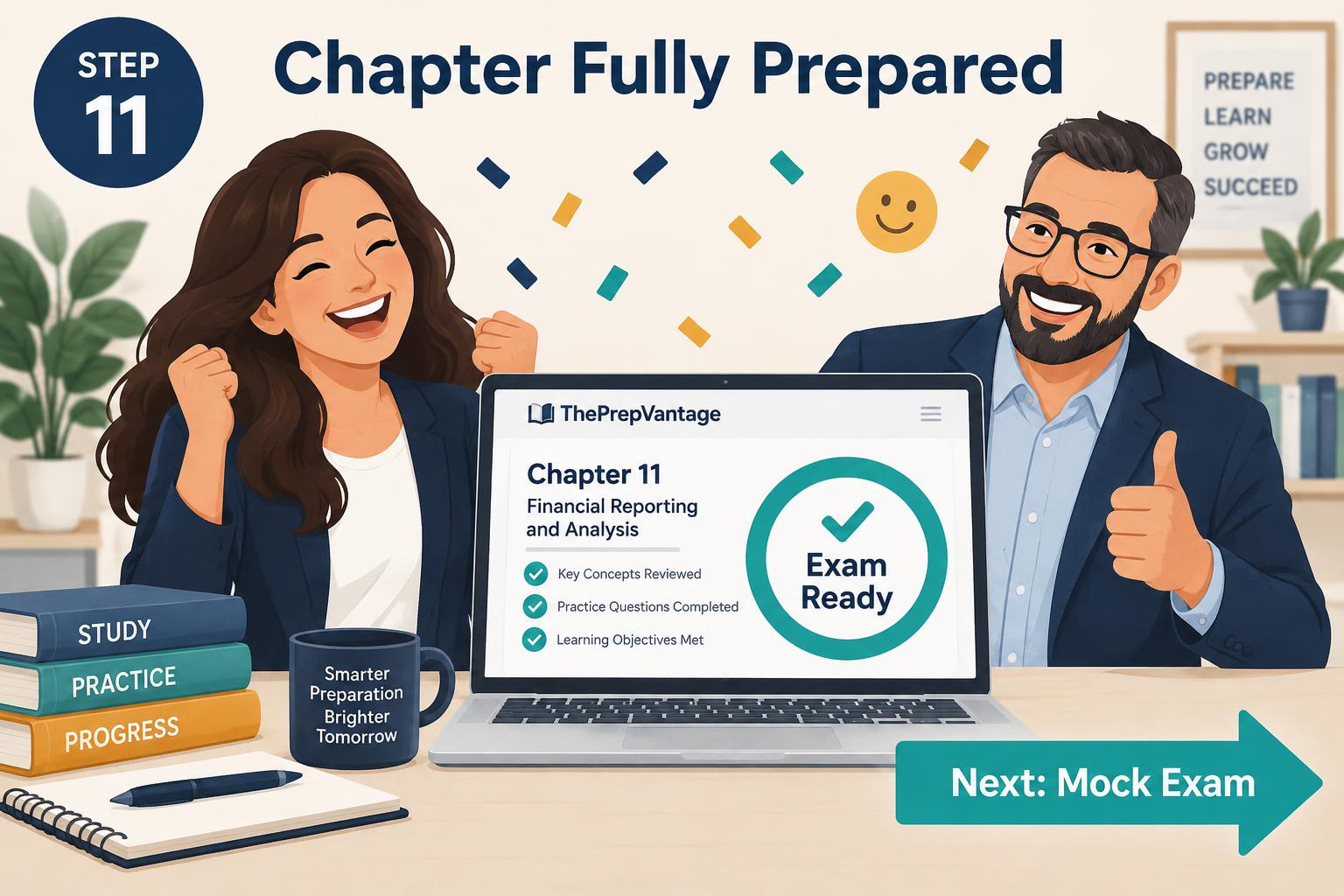
When your readiness is high, the chapter shows as exam ready. Well done!
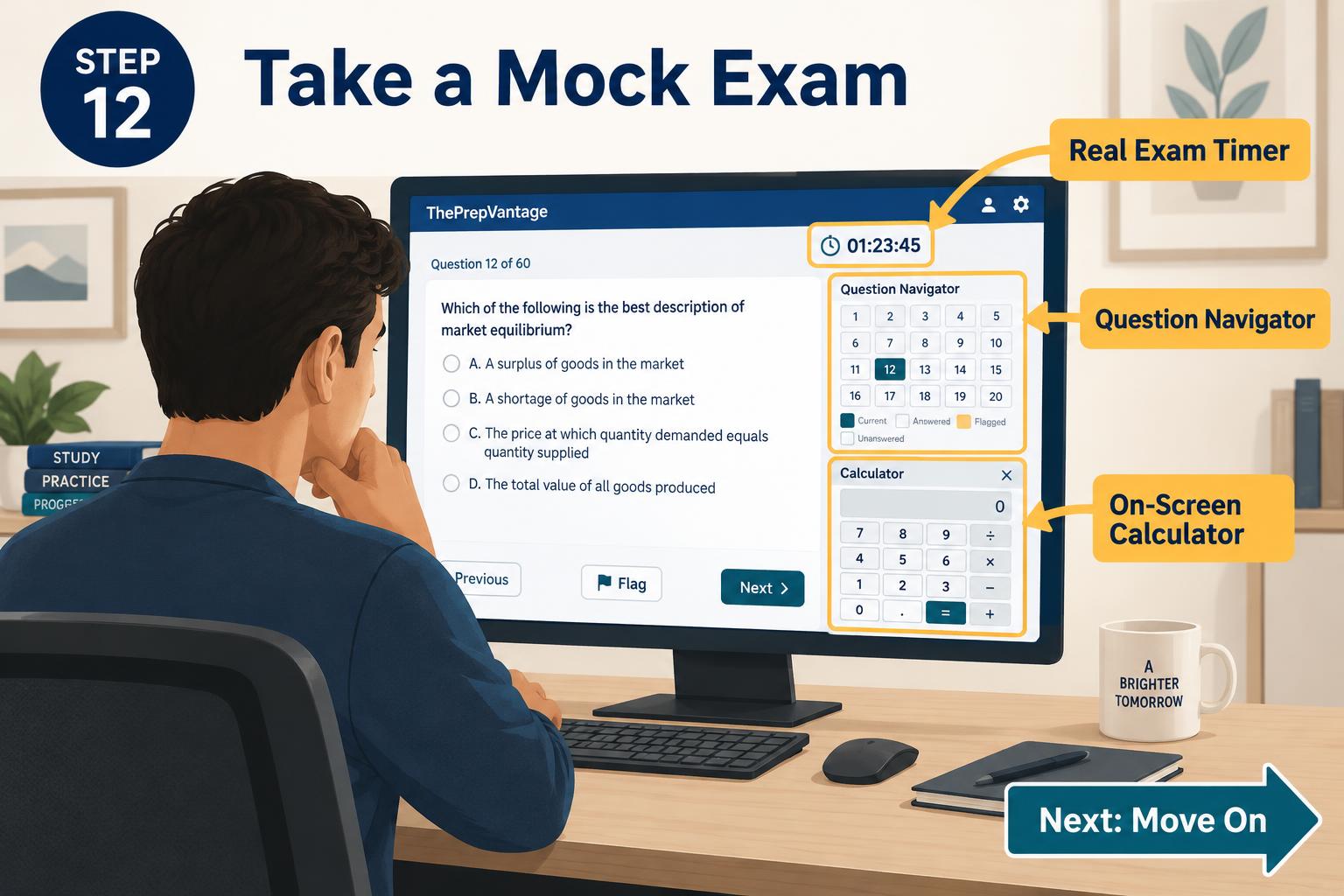
Sit a mock exam in the same style as the ACCA computer-based exam: real timer, question navigator and on-screen calculator.
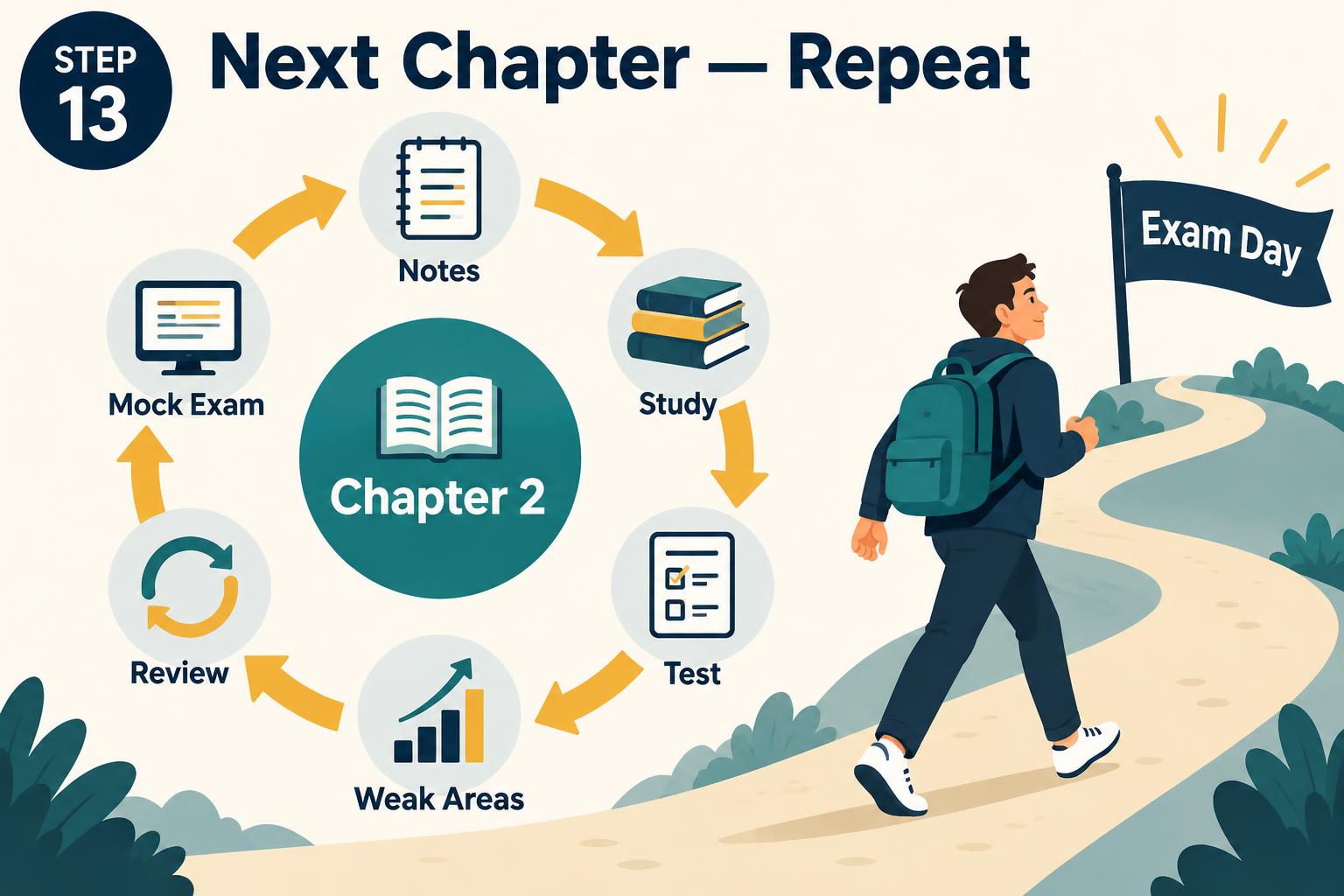
Move to the next chapter and repeat the same steps until you are ready for exam day.
Repeat the steps for every chapter, then keep your readiness high with regular practice and mock exams.